
Delivery Monitoring Module (User Guide)
links: https://dashboard.mcjimleather.com/modules/dma
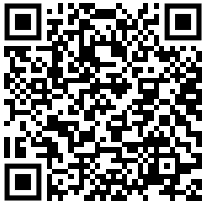
(Scan to be directed to the user guide documentation.)
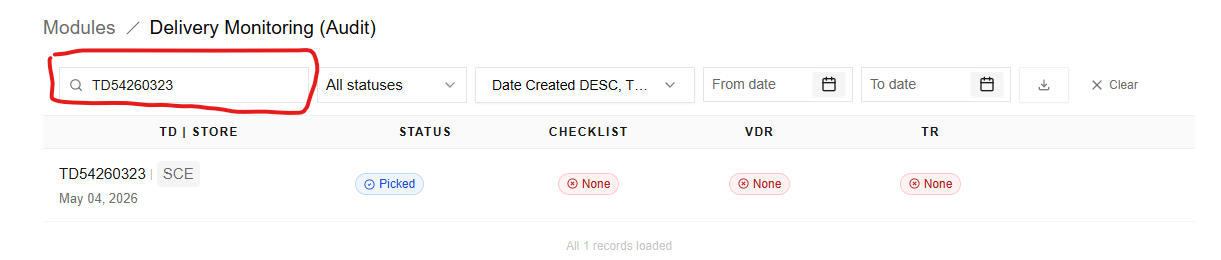
Searching Records
- Use the Search bar (top-left) to find specific records.
- You can search by:
- TD Number
- Store Code
- Simply type your keyword and results will update automatically.
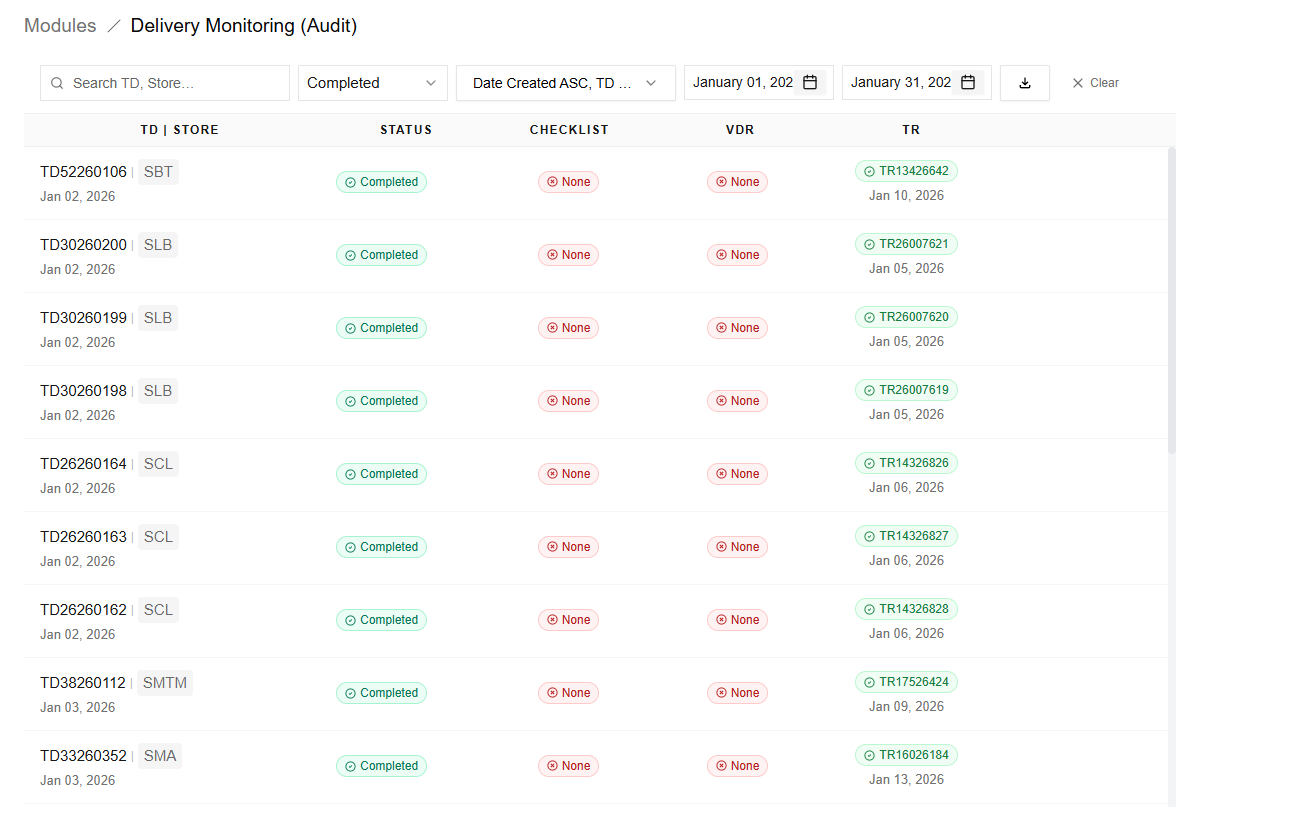
Filtering Data
Status Filter
- Click the “All statuses” dropdown.
- Select a specific status to filter records:
- All statuses
- Completed
- Assembling
- Ready For Shipment
- Picked
- Cancelled
- Default view shows all statuses.
Date Range Filter
- Use From Date and To Date fields.
- Select a date range to narrow down records based on transaction date.
Sorting
- Click the Sort dropdown (e.g., “Date Created DESC”).
- Choose how records are arranged:
- Newest to oldest (Date Created)
- Lowest to highest (Td Number)
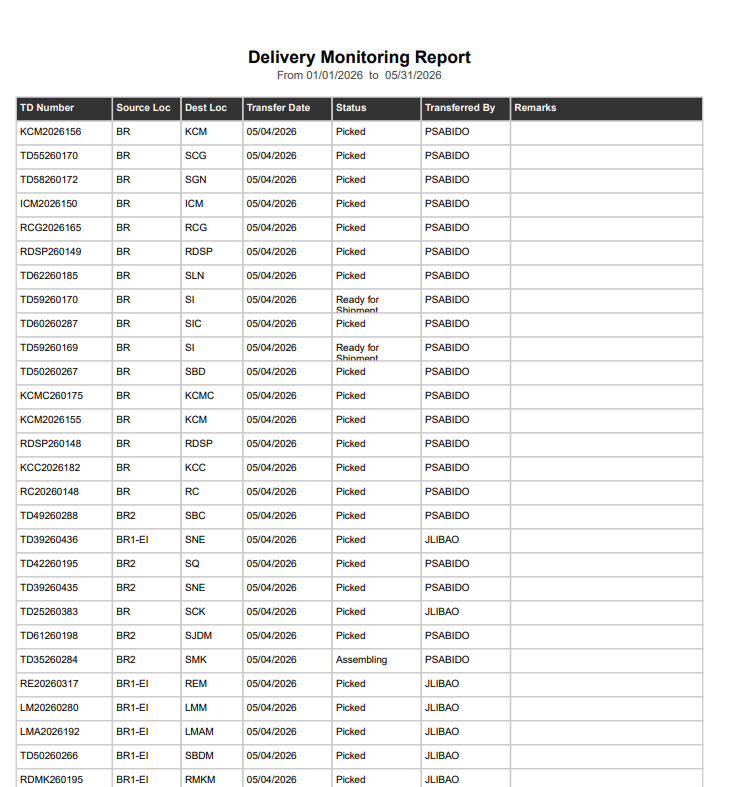
Exporting Data
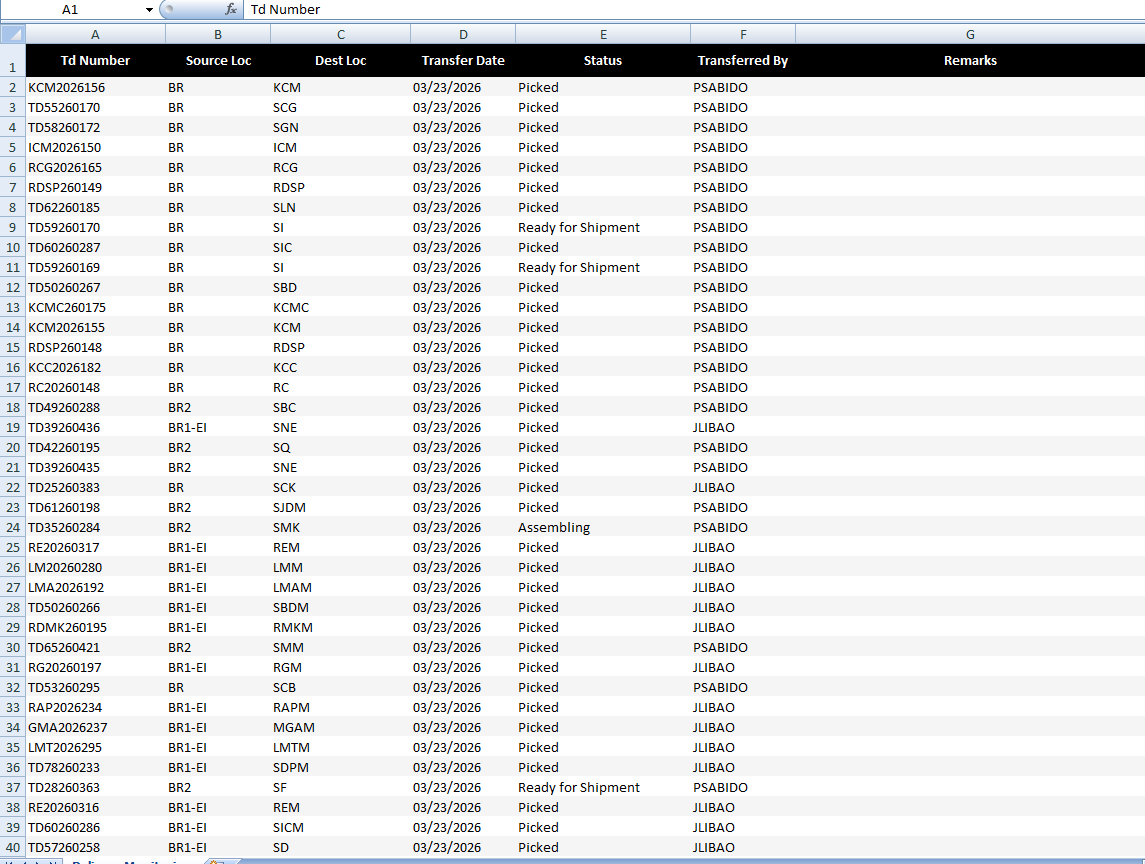
- Click the Download button
- Choose export format:
- Excel
- The system will generate a report based on your current filters.
PDF Example:
Excel Example:
No comments to display
No comments to display