
Delivery Monitoring (Audit)
Overview
Delivery Monitoring (Audit) gives the Audit Team a full picture of every consignment delivery — from the Transfer Delivery (TD) stage through to its final Transfer Receipt (TR) or Pick Return. Each row is one delivery and shows how far it has progressed, including which notices have already been sent.
This view is for oversight and reporting. It lets the Audit Team review delivery progress, open supporting records, and export the list to PDF or Excel for their own records.
What you can do here
• Review each delivery's current status, from TD through to TR or Pick Return.
• See which notices have already been sent (First, Second, Third Notice Sent).
• Search, filter by status, filter by date range, and sort the list.
• Export the filtered list to PDF or Excel.
• Open supporting records: the promo decline reason, delivery-attempt history, and documents attached to a TR.
Who Can Use This Module
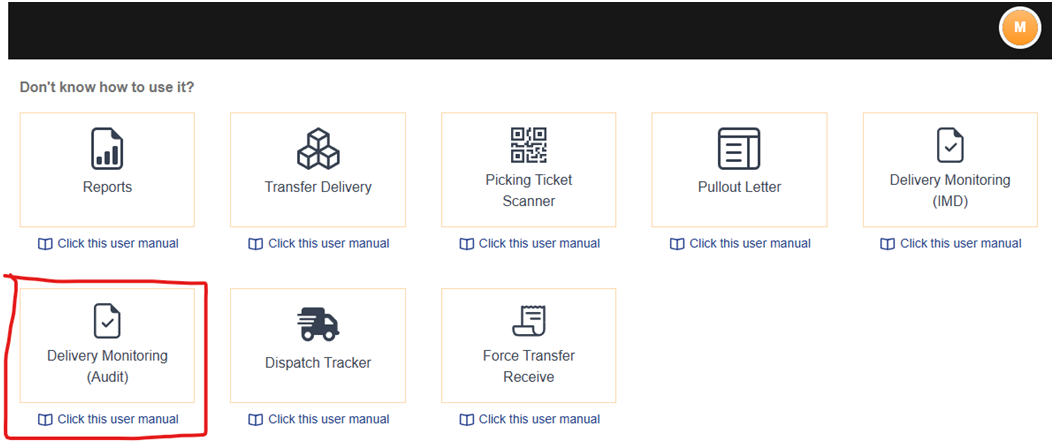
This module is intended for the Audit Team. Like other modules, access is granted by the MIS Department once the appropriate authorization is in place, after which Delivery Monitoring (Audit) appears in the user's list of modules.
Key Terms
These abbreviations appear throughout the module. Understanding them makes the columns on the screen easy to read.
|
Term |
Stands For |
Meaning |
|
TD |
Transfer Delivery |
The delivery document for the goods sent to the store. Each row is keyed by its TD. |
|
Checklist |
— |
A list of TDs. It shows whether a TD has been added to a checklist or not. |
|
VDR |
Vendor Delivery Receipt |
The receipt confirming the vendor delivery. |
|
TR |
Transfer Receipt |
Created by the promo once goods are received. When created, a TR number is generated and appears here. |
|
Pick Return |
— |
The goods were sent back or reversed before delivery. This is an end state — no TR is expected. |